
FreeD and OSC output
Send pose and lens data straight to Unreal Engine, broadcast graphics systems, and receivers that already support established protocols.
Android camera tracking
Turn an Android phone into a live camera tracker for Unreal Engine, virtual production, previs, and real-time broadcast workflows. The open beta is available to everyone.
Read the user guides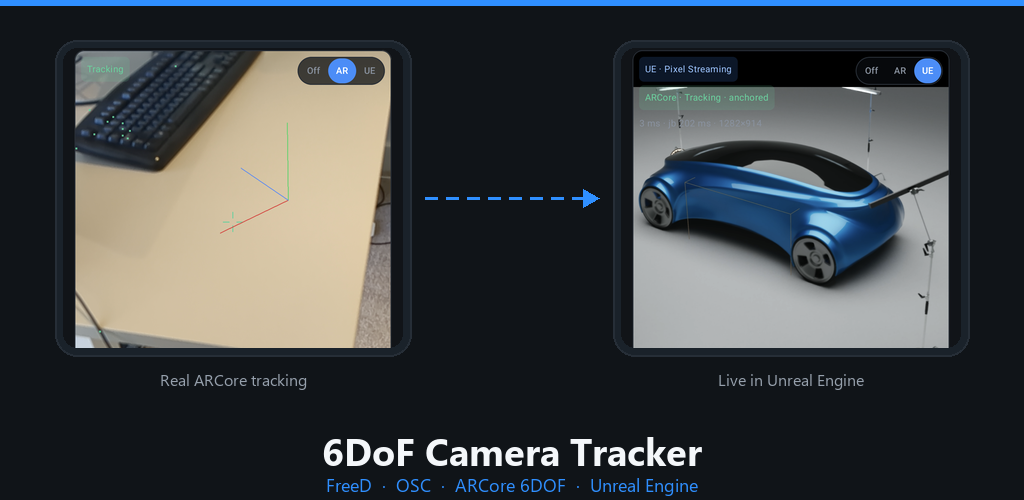
Stream camera position, orientation, and lens data over native FreeD or OSC. See the Unreal render on the phone, record takes, or fly the virtual camera independently with Scout mode.
Built for real-time work
Send pose and lens data straight to Unreal Engine, broadcast graphics systems, and receivers that already support established protocols.
Track position and rotation with the phone camera and sensors. Simple, surface-trackable, and printed-marker anchor modes help manage drift.
Receive a live Unreal Pixel Streaming feed over WebRTC and view the rendered scene on the same phone that is driving the camera.
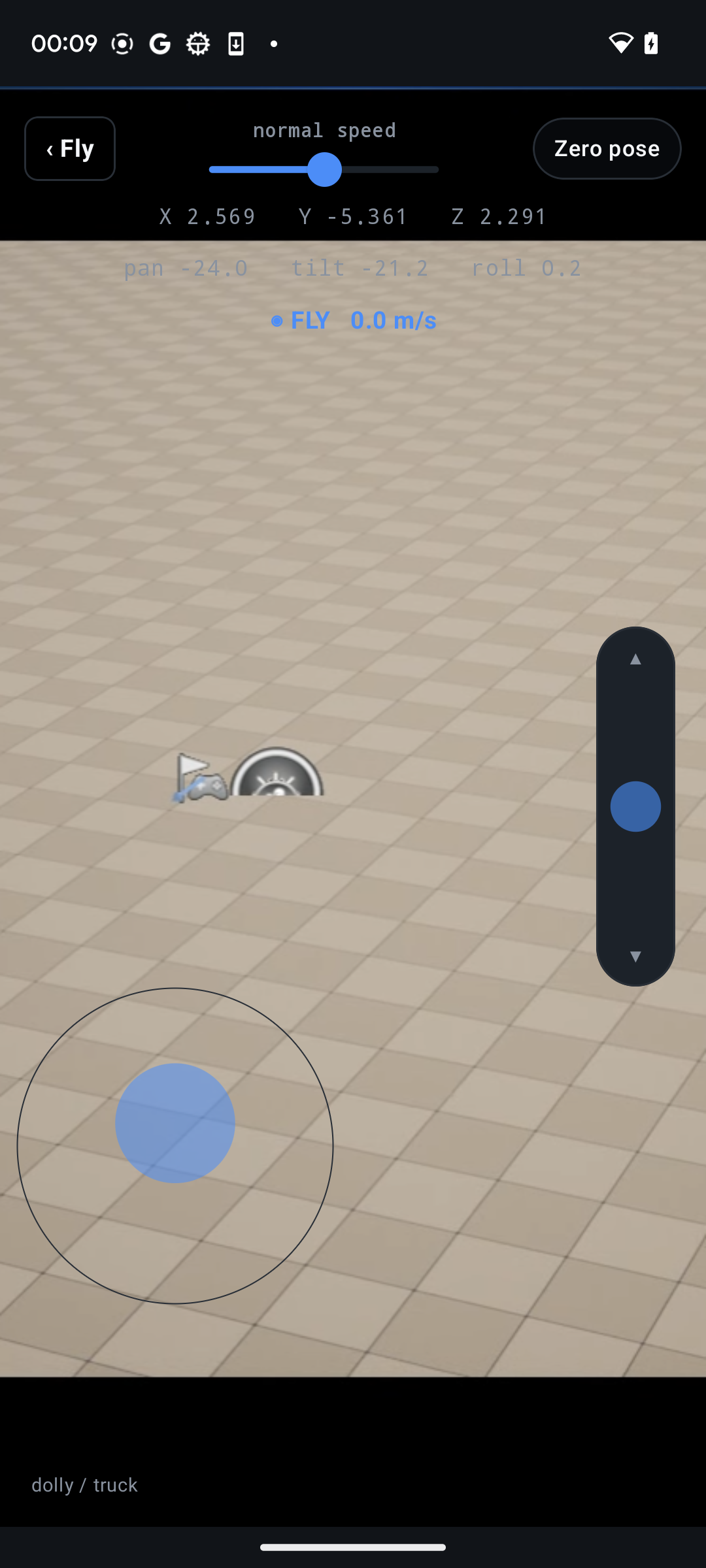
Add a virtual fly-camera offset on top of ARCore or IMU tracking using a gesture-based shove control or a full-screen joystick.
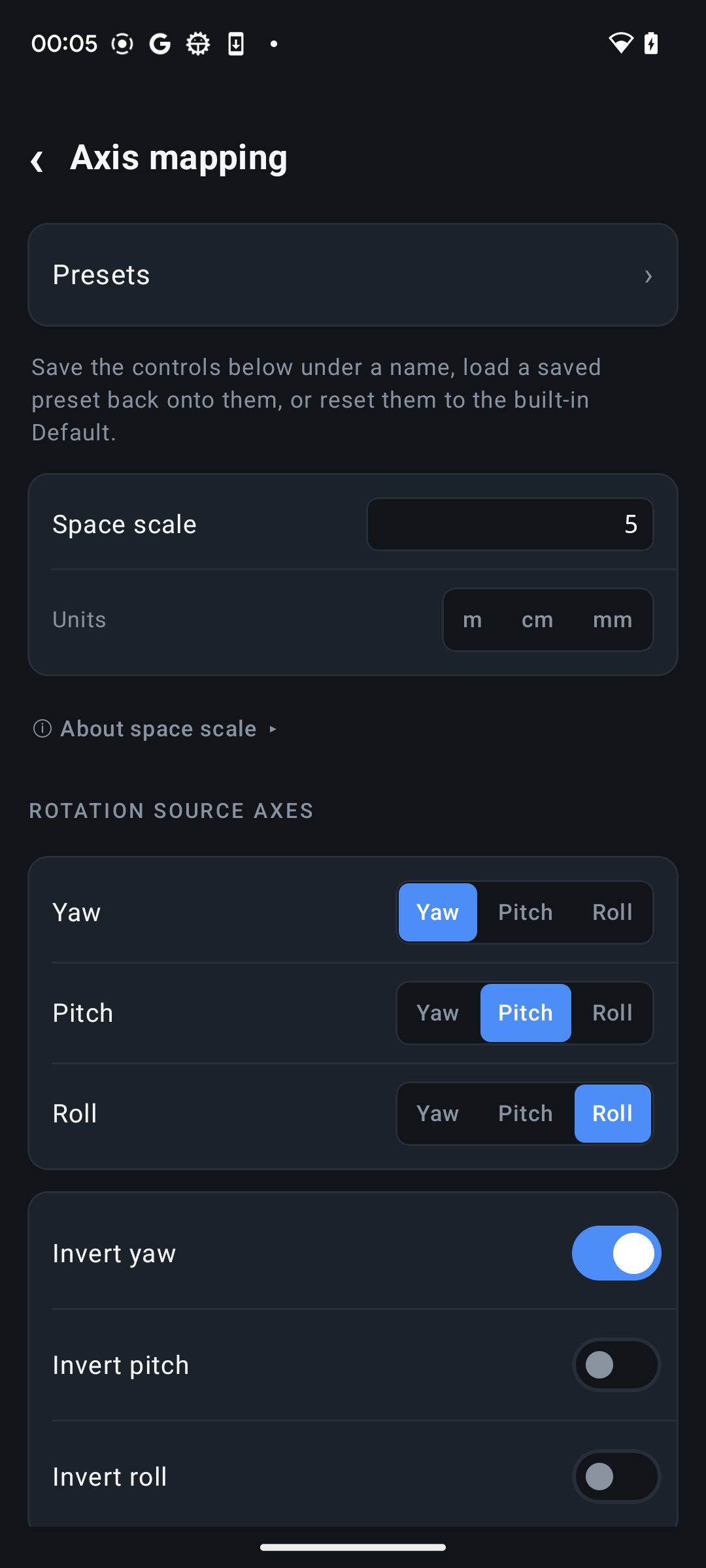
Match receiver coordinates with axis presets, custom mappings, space scale, and calibrated zoom, focus, and iris channels.
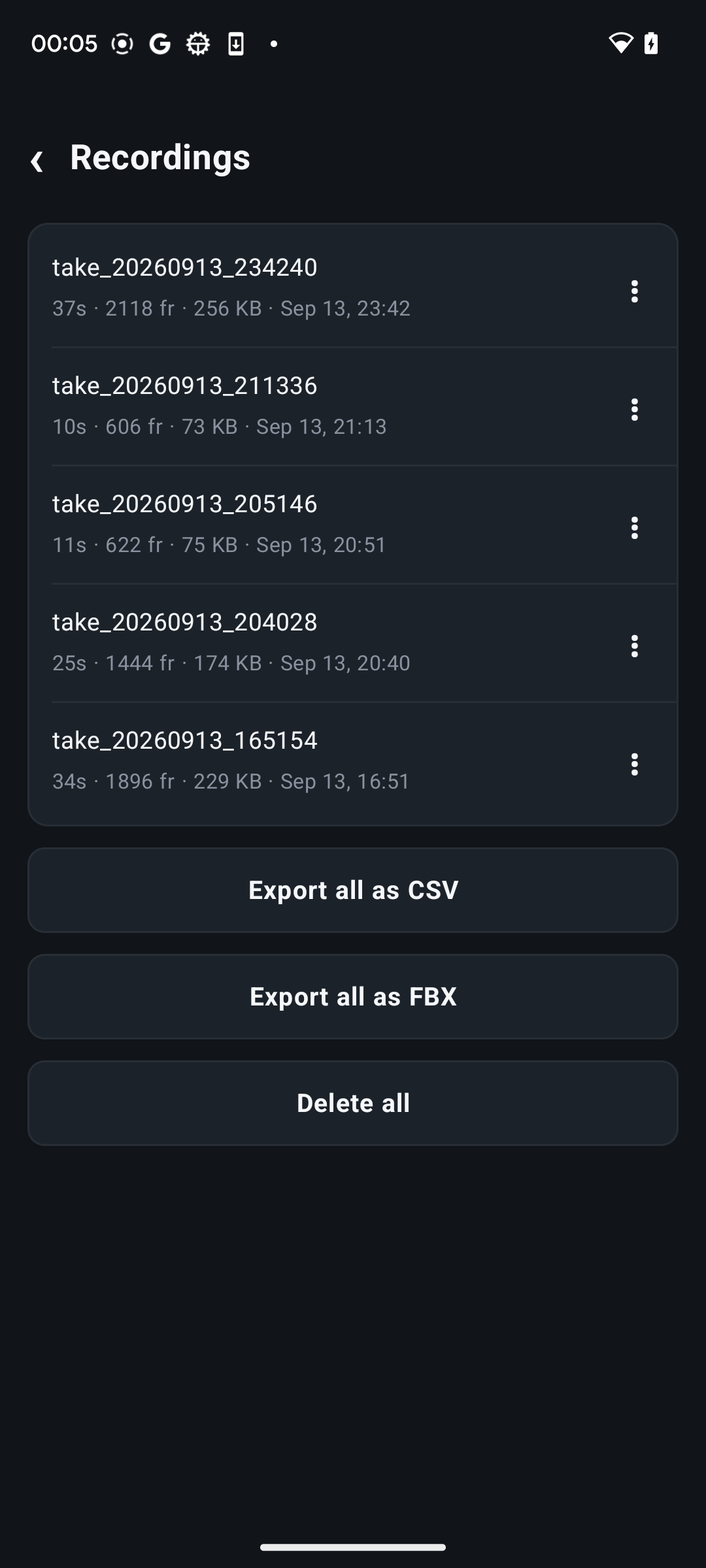
Record takes independently of streaming, review them later, export CSV, and use Pro playback, FBX, and raw-IMU export tools.
On set
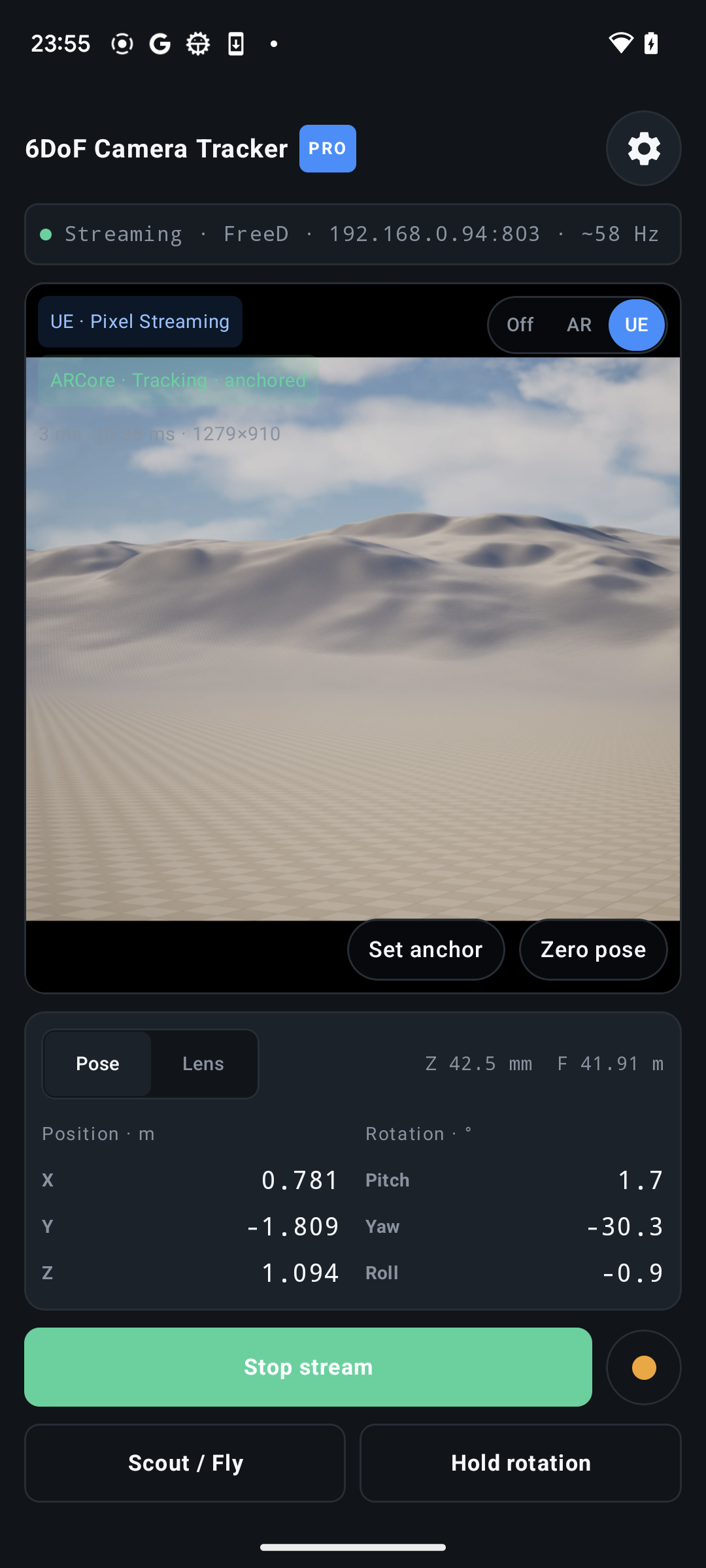
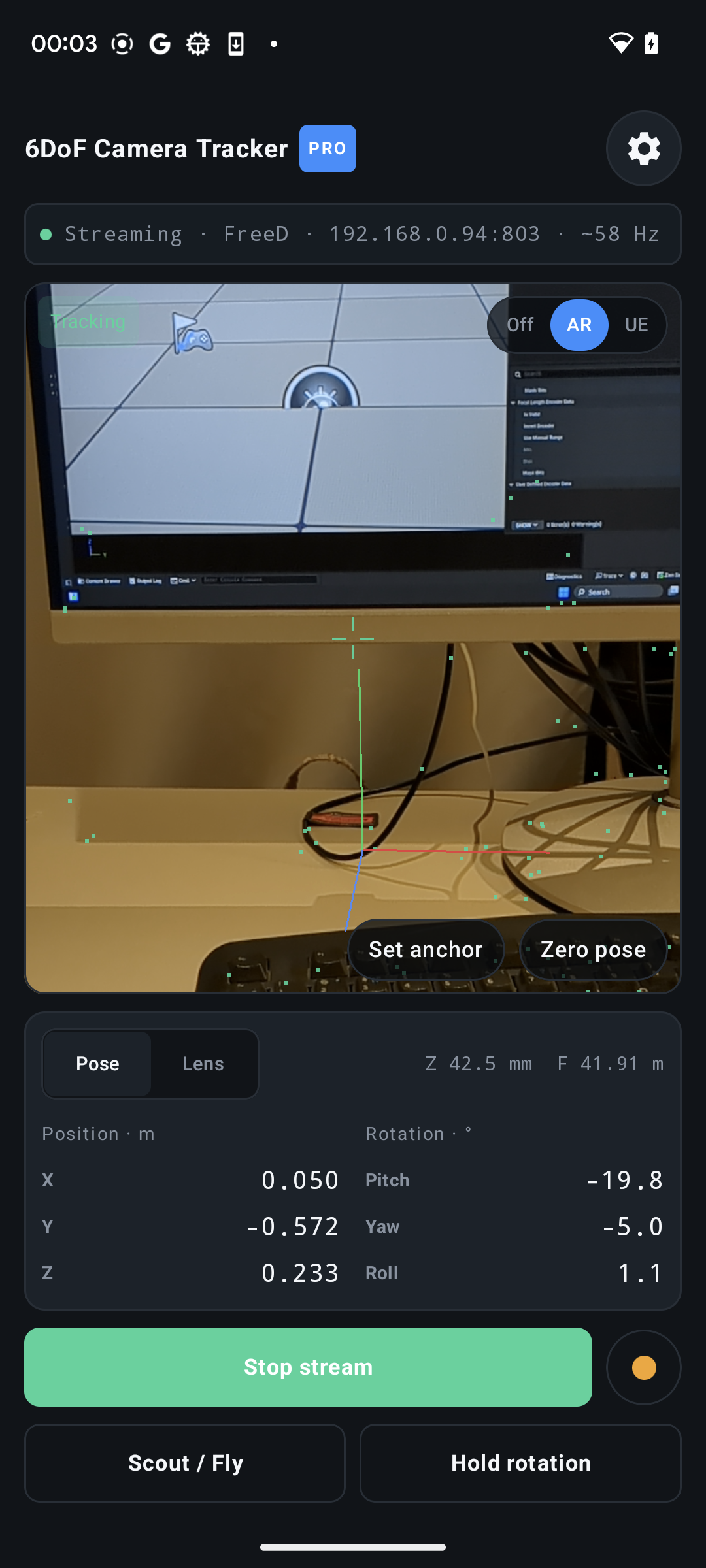
Switch between the real AR camera and the Unreal viewfinder without leaving the tracking screen. Live status, pose, lens data, streaming, recording, and hold controls stay close at hand.
User guides
Step-by-step workflows for sending live camera tracking into the tools you already use.
Drive a CineCamera actor, verify transform and lens data, and add the Unreal viewfinder.
Read guide MotionBuilderInstall the Tech Story device, bind a camera, and stream or record transform and lens data.
Read guide Roblox StudioConnect the Studio plugin over WebSocket, then bring recorded takes into a published place.
Read guide OBS StudioUse native WHIP for a simple connection, or DistroAV NDI when lower latency matters.
Read guideFlexible workflow
Configure the target, protocol, camera ID, rate, mapping, and physical scale. The built-in Unreal preset gives you a useful starting point, while custom presets can be saved for different receivers and stages.
Lite and Pro
Lite
Configure, calibrate, record, and test your receiver with live streaming sessions of up to five minutes.
Pro
Remove the session limit and unlock higher rates, multi-destination output, smoothing, take playback, FBX export, and raw-IMU tools.
Monthly subscription or one-time Lifetime purchaseRequirements
Open to everyone
Anyone with a compatible Android device is welcome. Enrol with your Google account, install the app from Google Play, and try it with your Unreal Engine, FreeD, or OSC workflow. Share feedback with us at contact@techstory.org.uk.